What's New
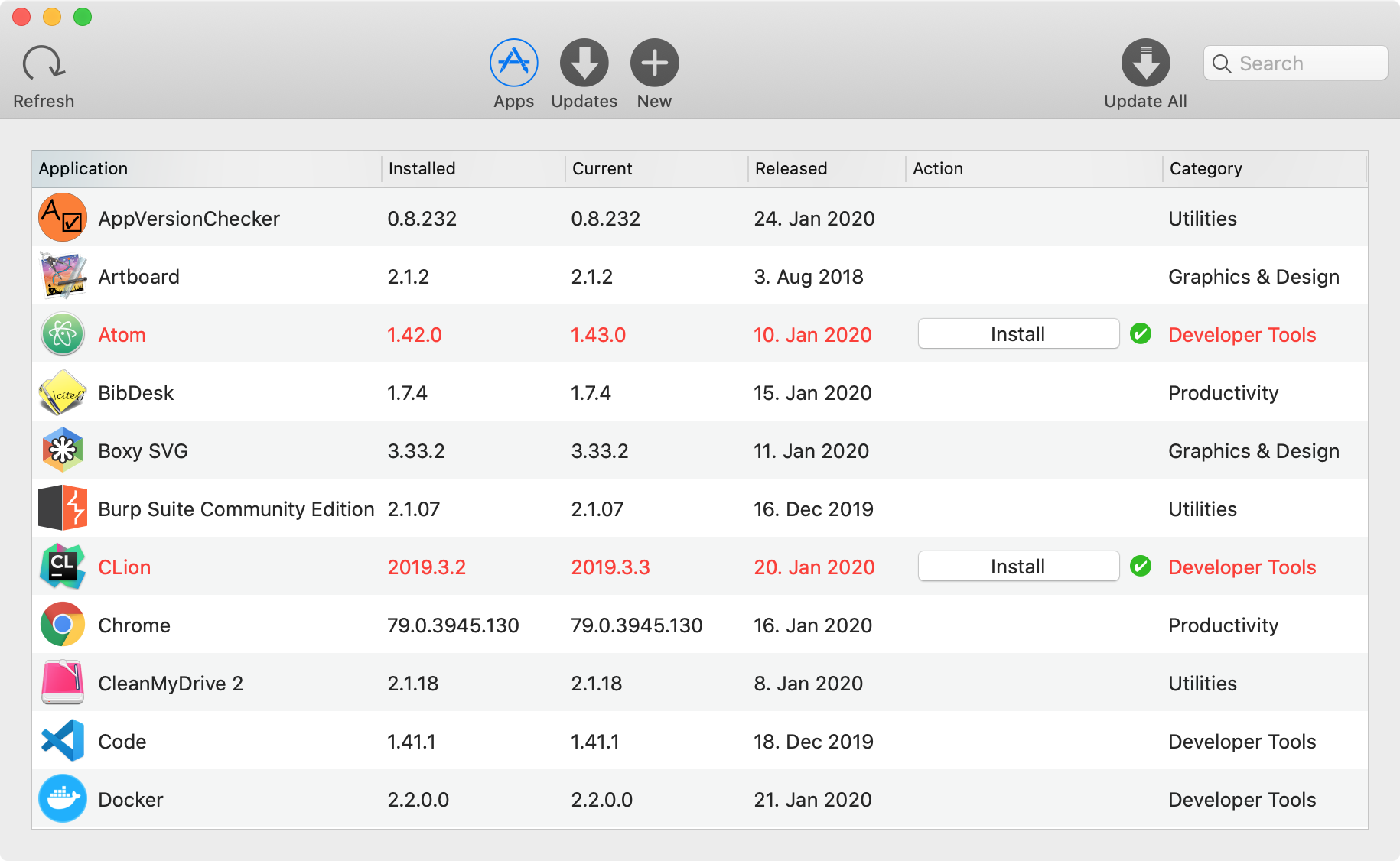
The latest updates and fixes for AppVersionChecker. Updating is free during the beta — open the app and click Install when a new version is available.
Release 2026.9.339 September 10, 2026
- Fixed an issue where installing an update could fail and roll back for no obvious reason, even though the download itself worked fine.
Release 2026.8.338 August 7, 2026
- Fixed the "Install All" / "Update All" button in the toolbar so its label reliably shows up next to the search bar.
Release 2026.8.337 August 6, 2026
- Fixed an issue where some apps that were already fully up to date were incorrectly flagged as needing an update.
- Fixed an issue where an app's release date could show as a garbled "0000-00-00" instead of the real date.
Release 2026.7.336 July 1, 2026
- Fixed an issue where the Install button could stay greyed out for an app that already had one update installed if another update showed up before you quit and reopened AppVersionChecker.
Release 2026.6.335 June 5, 2026
- When you have a newer version of an app than the shared list knows about, that update is now reported back reliably — previously these reports could be silently dropped, so the shared list wouldn’t learn about the newer version.
Release 2026.6.333 June 3, 2026
- Choosing “Reinstall” from the right-click menu now shows the Install button straight away, instead of only appearing after you switch tabs and back.
Release 2026.6.332 June 2, 2026
- Fixed apps that wouldn’t open after being installed by AppVersionChecker — macOS was blocking them with a “can’t be opened” message. Newly installed apps now launch normally.
Release 2026.5.331 May 31, 2026
- Refreshed the AppVersionChecker icon in the menu bar with the new logo.
- Hardened the background installer so only AppVersionChecker itself can use it.
- More accurate update detection — some updates that compared version numbers in an unusual way were previously missed and are now offered correctly.
- Large downloads now use far less memory, and a download that fails to save no longer looks like it succeeded.
- AppVersionChecker no longer hangs while checking for updates when iCloud is slow or unreachable — it now carries on after a short wait.
- Fixed several rare crashes, including at startup on some Macs and while loading app icons.
- If putting an update in place runs into trouble, your original app is now reliably restored.
- Get Info on several selected apps at once now shows each app's own details, instead of repeating the first app.
Release 2026.5.320 May 30, 2026
- Fixed a crash that could happen when several app updates finished downloading at the same time — installing multiple updates at once is now reliable.
- Fixed installs of apps getting stuck after downloading — the installer no longer freezes partway through.
- If the background install helper needs your permission or gets out of date, AppVersionChecker now sorts it out for you and opens the right Settings page, instead of leaving you to find it.
Release 2026.5.315 May 29, 2026
- If an install fails partway through, clicking Install again now actually retries instead of looking enabled but doing nothing.
Release 2026.5.313 May 29, 2026
- AppVersionChecker now handles short busy periods on Apple’s iCloud service more gracefully — the app catalogue keeps loading and update checks keep working instead of stalling silently until you restart.
Release 2026.5.307 May 26, 2026
- Added an extra safety check: AppVersionChecker now only downloads and installs apps from its own verified catalogue, so a tampered or fake entry can’t trick it into downloading something else.
Release 2026.5.300 May 25, 2026
- After AppVersionChecker updates itself, choosing “Restart” now relaunches the app instead of only closing it.
- Starting your beta testing licence now happens on the AppVersionChecker website and takes effect the next time you restart the app.
Release 2026.5.297 May 24, 2026
- Clicking the AppVersionChecker icon in the Dock now reliably reopens the main window after you have closed it.
- Settings and the other menu commands now open correctly even when the main window is closed.